

Key Takeaways
Option A
Laptop
The flexible, go-anywhere computing solution.
Best for: People who work from multiple locations, commute, or need a single device for both home and on-the-go use.
Option B
Desktop
The powerhouse built for a dedicated workspace.
Best for: Users who work in one place and need maximum performance, larger screens, and easier long-term upgradability.
If you work from multiple locations or travel regularly
Laptop
A laptop lets you pick up and work from anywhere without sacrificing access to your files, apps, or workflow. It's one device that covers home, office, and everywhere in between.
If you do intensive work like video editing, 3D rendering, or heavy multitasking
Desktop
Desktops can house more powerful components and better cooling, sustaining high performance for longer without throttling - a real advantage for demanding tasks.
If you're working within a tight budget and staying at a fixed desk
Desktop
Dollar for dollar, desktops deliver more performance. You also won't need to replace the whole machine if one component fails or needs an upgrade.
If you want a minimal, clutter-free home office setup
Laptop
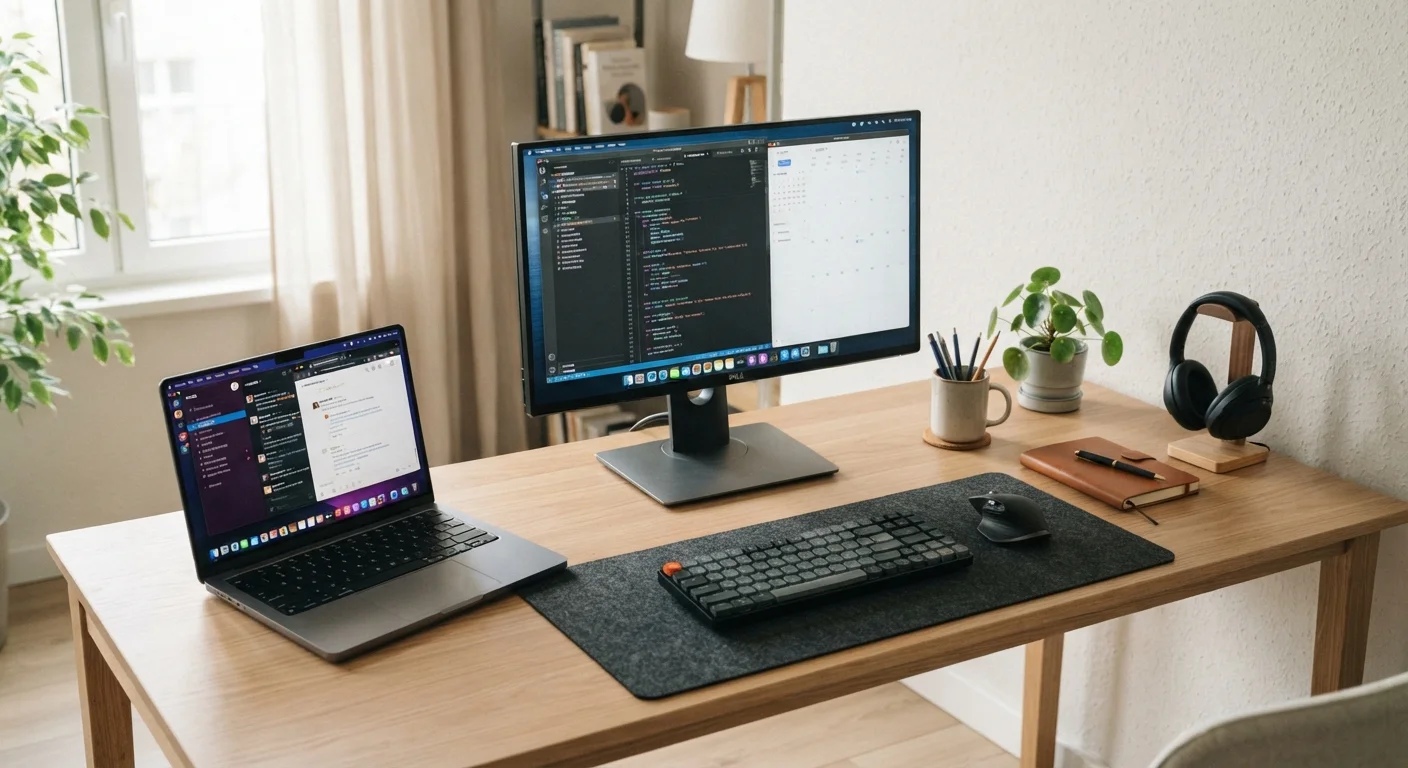
A laptop paired with an external monitor or dock keeps your desk clean and your setup simple, with no tower to find space for.
If you're a student switching between campus, library, and home
Laptop
A laptop travels with you to class, group projects, and study sessions - making it the practical choice when your workspace changes throughout the day.
The Core Trade-Off: Mobility vs. Power
The laptop-versus-desktop question isn't really about which type of computer is better. It's about which one fits the way you actually live and work. Start there, and the decision becomes much clearer.
Laptops bundle a screen, keyboard, trackpad, battery, and computer into one portable package. That integration is their great strength - and their limitation. Components are designed to be compact and efficient, which means thermal (heat) constraints can cap performance under sustained heavy loads. What you gain in mobility, you sometimes give up in sustained horsepower.
Desktops, by contrast, sit in one spot and plug into the wall. They have room for larger components, better airflow, and more powerful parts at the same price point. If your work is anchored to a desk - and especially if it's computationally demanding - a desktop often delivers more for your money. For related context on how hardware affects day-to-day speed, see what's usually behind a slow computer.
| Criterion | Laptop | Desktop |
|---|---|---|
| Portability | Fully portable, battery-powered | Fixed location, requires power outlet |
| Performance per dollar | Lower - compact design costs more | Higher - more power for less money |
| Upgradability | Limited, often restricted by design | Generally broad; RAM, storage, GPU swappable |
| Screen flexibility | Built-in; external monitor optional | Choose any monitor size or setup |
| Setup complexity | Minimal - all-in-one out of the box | Requires peripherals, cables, monitor |
| Repair costs | Often higher relative to device value | Generally lower; parts more accessible |
| Cooling & sustained performance | Thermal limits can reduce peak speed | Better airflow supports sustained loads |
Upgradability and Long-Term Cost
One of the most overlooked factors in this decision is what happens after you buy. With most desktops, swapping out a component - adding RAM, replacing a storage drive, or upgrading a graphics card - is relatively straightforward and inexpensive. You can extend the useful life of the machine without replacing the whole thing.
Laptops are more constrained. Many modern thin-and-light models have RAM and storage soldered directly to the motherboard, meaning what you buy is what you keep. Even in models where upgrades are possible, the options are narrower. If you anticipate your needs growing - more storage, more memory - factor that into your decision upfront rather than assuming you can upgrade later.
~60%
Share of US laptop sales vs. desktop
Laptops have consistently outsold desktops in the US consumer market for over a decade, reflecting a broad shift toward portable computing.
3-5 years
Typical practical lifespan for either device
Industry observers generally estimate most consumer computers remain productively usable for three to five years before hardware or software support becomes a limiting factor.
Repair costs also differ. A broken screen on a desktop monitor is usually a straightforward replacement. The same damage on a laptop can cost more to fix, sometimes approaching the value of the machine itself. This doesn't mean laptops are fragile - just that the economics of repair lean differently.
What Your Work Style Actually Demands
Think honestly about where you compute. If you work from a single desk at home or in an office every day, a desktop gives you more screen real estate, a more comfortable typing experience, and better long-term value. If your work takes you to coffee shops, client sites, or a mix of home and office, a laptop isn't a compromise - it's a requirement.
Consider also what you're running. Everyday tasks - email, web browsing, word processing, video calls - run well on either platform. It's the heavier workloads where the differences show up. Video editing timelines, large spreadsheets, software development environments, and creative applications all benefit from the additional headroom a desktop can provide. If you're curious whether a specialized machine might serve those needs, gaming laptops for everyday use explores a related set of trade-offs.
Storage Choice Is Separate from Device Type
Whether you choose a laptop or desktop, you'll still face decisions about where your files actually live. Local storage keeps data fast and private; cloud storage adds accessibility from any device. Understanding that trade-off is worth doing independently of the laptop-vs-desktop question. See cloud vs. local storage explained for a full breakdown.
If you choose a laptop and later want a more desk-like experience, a docking station or external monitor can bridge much of the gap - giving you a larger screen and full-size peripherals at home while keeping portability intact. Once you've made your choice, setting up a new laptop without the headaches walks through getting everything configured and ready to use.