

Key Takeaways
Why Battery Myths Stick Around
Smartphone battery advice has been circulating on the internet for years - and much of it was written when a completely different battery technology was standard. Older nickel-cadmium (NiCd) and nickel-metal hydride (NiMH) batteries genuinely did benefit from full discharge cycles and careful charging routines. The problem is that those rules have been copy-pasted onto modern lithium-ion (Li-ion) cells, where they simply don't apply.
Understanding what's actually true can save you unnecessary anxiety - and help you build habits that genuinely extend your phone's useful life. For a broader look at how battery wear connects to overall device performance, see why your phone slows down over time.
Myth
You should let your battery drain to zero before recharging to keep it healthy.
Fact
Fully draining a lithium-ion battery actually stresses it. Partial charges are better for longevity.
The "full drain" rule came from older NiCd batteries, which suffered from a phenomenon called memory effect - they needed periodic full discharges to maintain capacity. Lithium-ion batteries, used in virtually every smartphone sold today, have no memory effect. Draining them completely to 0% puts the cells under unnecessary strain and can, over time, reduce overall capacity. Plugging in whenever convenient is perfectly fine.
Myth
Leaving your phone on the charger overnight will overcharge and damage the battery.
Fact
Modern smartphones stop drawing power at 100% - they cannot overcharge in the traditional sense.
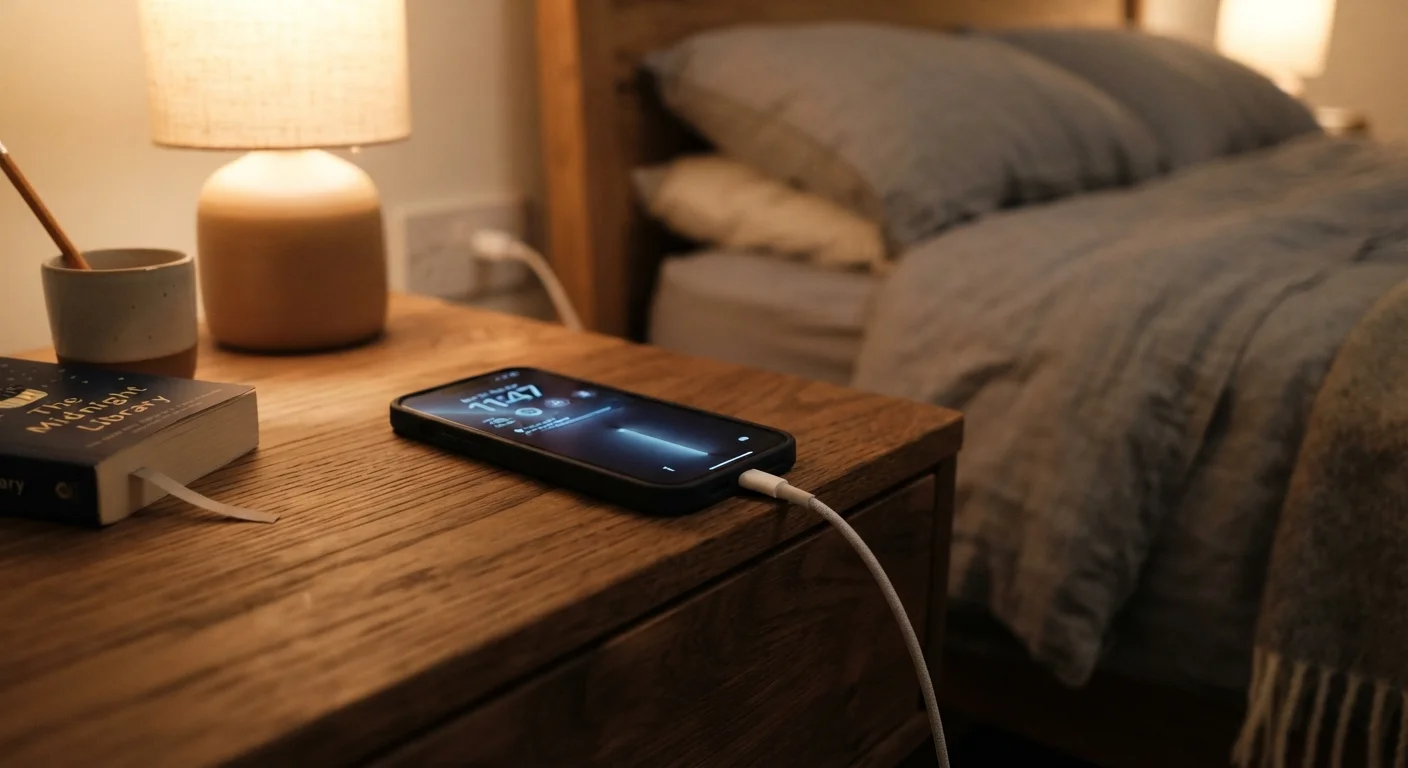
Current smartphones include charge management circuits that halt charging once the battery reaches full capacity. The phone then draws power directly from the adapter rather than cycling through the battery repeatedly. That said, staying at 100% for extended periods does create a small amount of additional stress on lithium-ion cells. Some phones now offer "optimized charging" settings that learn your routine and slow the final charge to arrive at 100% just before you typically wake up - a worthwhile option to enable if available.
Myth
Using your phone while it charges is harmful and slows charging significantly.
Fact
Light use during charging is fine; heavy use may slow the charge rate but causes no lasting damage.
Using your phone while it charges simply means power is being consumed at the same time it's being supplied. For light tasks like checking messages or browsing, this has no meaningful negative effect. Intensive tasks - gaming, video recording, or running navigation - generate heat, and heat is the real concern. If your phone gets noticeably warm during a heavy session on the charger, that's worth monitoring, but the act of using it while plugged in is not inherently harmful.
Myth
Third-party chargers will always ruin your battery or damage your phone.
Fact
Charger quality varies widely; certified third-party chargers are generally safe, while uncertified ones carry real risks.
Not all third-party chargers are created equal. Chargers that carry recognized safety certifications (such as UL listing in the United States) and support the same charging protocols as your device are considered safe for general use. The concern is with very cheap, uncertified chargers that may lack proper voltage regulation, which can cause inconsistent power delivery. The risk isn't primarily to your battery - it's to the device's charging circuitry and, in rare cases, fire safety. Buying from established retailers and checking for certification markings is reasonable due diligence.
Myth
Closing background apps constantly will extend battery life significantly.
Fact
Aggressively closing apps can actually use more battery, not less, on modern operating systems.
Both iOS and Android are designed to manage background processes efficiently. When you force-close an app and then reopen it, the system has to reload everything from scratch - a process that uses more CPU power, and therefore more battery, than simply letting a suspended app sit in memory. Unless an app is clearly misbehaving (draining battery in the background as shown in your settings), repeatedly closing and reopening apps is counterproductive.
Charging Habits That Actually Matter
Now that the myths are out of the way, it helps to know what genuinely affects battery longevity. The single biggest enemy of a lithium-ion battery is sustained heat. Charging while your phone sits in direct sunlight, leaving it on a hot car dashboard, or using it intensively while plugged in can all accelerate chemical degradation inside the battery.
Avoid Charging in Extreme Temperatures
Lithium-ion batteries are sensitive to temperature at both extremes. Charging in very hot conditions degrades battery chemistry faster, while charging in very cold environments can temporarily reduce capacity and, in rare cases, cause internal stress. Most manufacturers recommend charging between approximately 32°F and 95°F (0°C-35°C). If your phone has been sitting in a cold car, let it warm up to room temperature before plugging in.
Charge cycles also matter, but not in the dramatic way most people imagine. A full charge cycle is counted as 100% of charge used - that can be two 50% top-ups, not just one full drain-and-fill. Keeping your battery in the 20%-80% range reduces the stress placed on cells and can meaningfully slow capacity loss over hundreds of cycles.
For practical day-to-day tips on building better charging routines alongside other habits that keep your device running smoothly, keeping your smartphone running well year after year is a useful companion read.
~500
Typical full charge cycles before notable capacity loss
Battery manufacturers generally rate lithium-ion cells for 300-500 full charge cycles before capacity drops to around 80%, though real-world results vary by usage patterns and temperature exposure.
20-80%
Recommended charge range for Li-ion longevity
Battery researchers broadly agree that keeping lithium-ion cells within this partial-charge window reduces electrochemical stress and can extend overall battery lifespan compared to repeated full cycles.