

Key Takeaways
Smart Thermostat
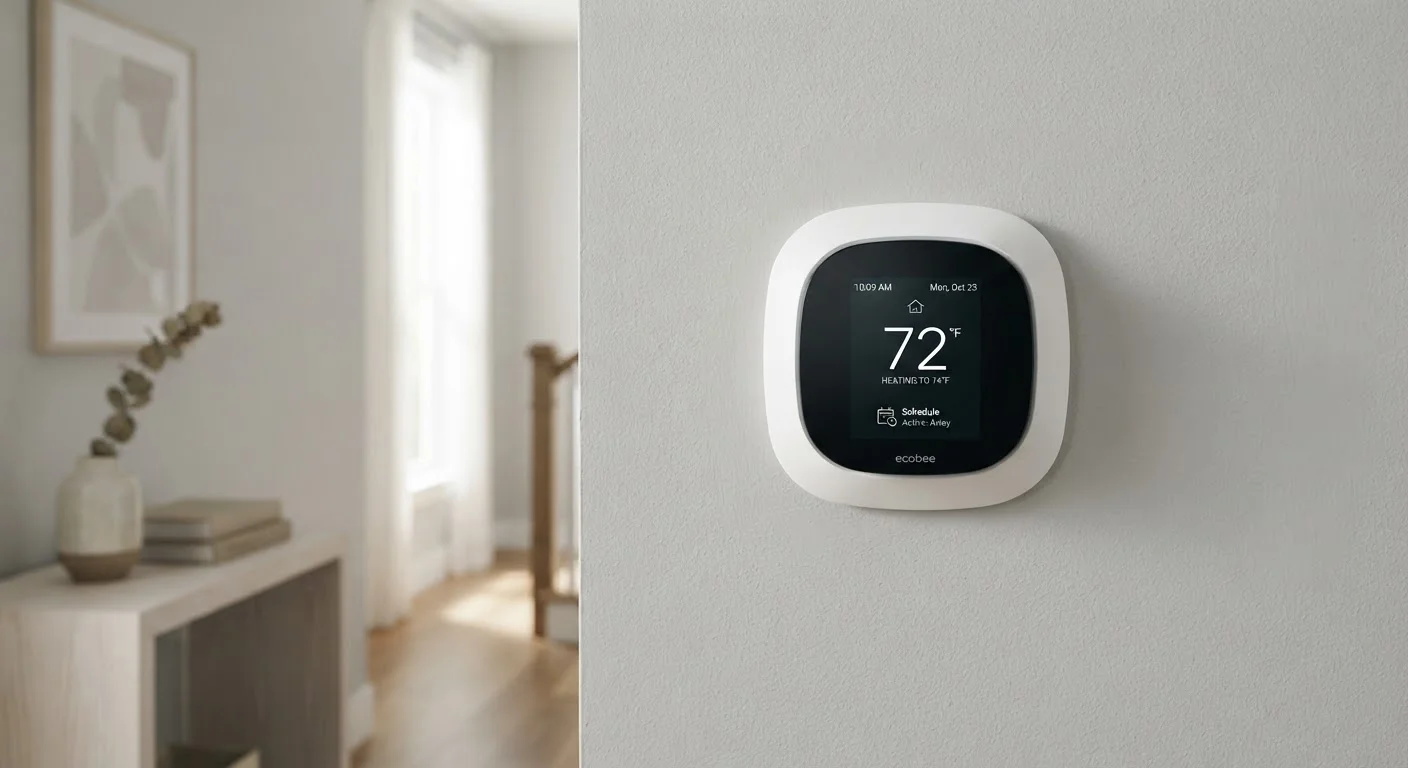
A smart thermostat is a Wi-Fi-connected device that controls your home's heating and cooling system. Unlike a basic programmable thermostat, it can learn your daily patterns, respond to sensors, and be adjusted remotely through an app. The goal is to keep your home comfortable while reducing energy use when heating or cooling isn't needed.
Smart thermostats communicate with HVAC systems using standard 24V control wiring, though compatibility varies by system type - multi-stage, heat pump, and older systems may require specific models or additional wiring.
What a Smart Thermostat Actually Controls
A smart thermostat sits between your home's heating and cooling system - collectively called the HVAC system - and your living space. Its core job is the same as any thermostat: signal the system to run or stop based on your target temperature. What makes it 'smart' is how it decides when to send those signals.
Most smart thermostats can connect to your home's Wi-Fi, giving you app-based control from anywhere. They also collect data - room temperature, humidity in some cases, and the time of day - to build a picture of when conditioning is actually needed. For context on the broader vocabulary around connected home devices, see our plain-language smart home glossary.
What a smart thermostat does not control is your HVAC hardware itself. It can't change airflow, improve duct efficiency, or override a failing compressor. It is a scheduling and signaling tool - a smart one, but still just a controller.
~1-2 weeks
Time for learning thermostat to build a schedule
Most manufacturers state their learning algorithms require one to two weeks of manual adjustments before automation becomes reliable.
8%
Estimated heating savings per degree setback
The U.S. Department of Energy has noted that turning a thermostat back 7-10 degrees for 8 hours a day can save roughly 8% annually on heating costs.
C-wire
Most common installation compatibility issue
Industry installers frequently cite missing C-wire connections as the leading reason smart thermostat installations require additional parts or professional help.
The 'Learning' Feature: What It Means in Practice
Several popular smart thermostats advertise that they 'learn' your preferences. This means the device tracks when you manually raise or lower the temperature and, over one to two weeks, starts anticipating those changes automatically. If you turn the heat down every weeknight at 10 p.m., it will eventually do that for you without being asked.
This is genuinely useful - but it has limits. Learning works best in households with consistent routines. If your schedule changes frequently, the thermostat may struggle to find reliable patterns, and you'll end up overriding it often. In those cases, a manually programmed schedule may actually serve you better.
Set a Manual Schedule as a Backup
Even on thermostats with learning features, it's worth programming a basic schedule manually during the first week. This gives the device a foundation to work from and reduces the chance of it 'learning' an unusual day as your normal routine. You can always refine it later as the thermostat adapts.
Learning algorithms also respond to your corrections. If the thermostat sets a temperature you don't like, adjusting it teaches the device. Ignoring a setting you dislike - hoping it will fix itself - usually doesn't work.
Sensors, Geofencing, and Remote Access
Beyond scheduling, smart thermostats use additional inputs to make smarter decisions. The most common are:
- Occupancy sensors: Motion-based sensors detect whether anyone is in the room or home. If no motion is detected for a set period, the thermostat can shift to an energy-saving mode.
- Geofencing: Using your smartphone's GPS, the thermostat knows when you're approaching home and can start heating or cooling before you arrive. This must be configured manually in the app.
- Remote access: Through a connected app, you can change the temperature, check settings, or override a schedule from anywhere with cell or Wi-Fi service.
These features work together, but they aren't automatic out of the box. Setting them up correctly - especially geofencing - takes a few minutes of configuration and requires location permissions on your phone. If you're planning a broader smart home setup, starting with the right devices makes integration smoother.
What a Smart Thermostat Cannot Fix
This is where many homeowners get tripped up. A smart thermostat can optimize when your HVAC runs - but it has no control over how efficiently the system actually performs. Common issues a smart thermostat won't solve:
- Poor insulation that lets conditioned air escape
- Leaky ducts that waste heated or cooled air before it reaches rooms
- A clogged or incorrect air filter reducing airflow - a topic worth understanding in depth, since HVAC filter myths trip up even experienced homeowners
- An aging or undersized HVAC unit struggling to meet demand
In some cases, a smart thermostat can actually mask these problems by running the system longer or more often to compensate - which costs more, not less. If your home takes much longer to reach the set temperature than it used to, that's a signal to have the system inspected, not just adjust the thermostat settings.
Installation and Compatibility: Know Before You Commit
Most smart thermostats are designed for DIY installation, but compatibility isn't guaranteed. The most common issue is the C-wire (common wire), which provides continuous power to the thermostat. Many older homes lack this wire at the thermostat location. Some smart thermostats include adapter kits or power-stealing technology to work around this, but results vary.
Heat pump systems, electric baseboard heaters, and multi-zone setups have their own compatibility requirements. Before installation, use the manufacturer's online compatibility checker - almost all of them provide one - and if you're unsure, a licensed HVAC technician can confirm your wiring and system type quickly. For a broader view of how smart home devices connect and coexist, this overview of smart home setup and maintenance is worth reading.
Permits and Professional Installation
In most jurisdictions, replacing a thermostat is a simple low-voltage task that doesn't require a permit. However, if installation involves modifying wiring beyond the thermostat location - adding a C-wire run through walls, for example - local electrical codes may apply. When in doubt, a licensed electrician or HVAC technician can confirm what's required in your area.