

Key Takeaways
Automatic backup protects against device loss or damage
If your phone is lost, stolen, or broken, files stored in the cloud remain intact and can be restored to a new device within minutes rather than being gone permanently.
Access files from any internet-connected device
Cloud-stored photos and documents are reachable from a tablet, computer, or borrowed phone - useful when switching between devices or sharing files with others.
Frees up local storage space on your device
Offloading photos and videos to the cloud reduces pressure on your phone's built-in memory, which can noticeably improve day-to-day performance.
Scales easily as your storage needs grow
Upgrading a cloud plan typically takes seconds and costs a few dollars per month, whereas upgrading a phone's physical storage requires buying a new device.
Requires a reliable internet connection to access files
Files stored only in the cloud are unavailable when you're offline or on a weak signal - a real problem during travel, outages, or in rural areas.
Ongoing subscription costs add up over time
Free tiers are limited, and most users eventually pay monthly or annually for extra space - a cost that compounds indefinitely as long as you use the service.
Privacy depends on the service provider's policies
Your files reside on a third-party server, subject to that company's terms of service, data practices, and potential legal requests - a concern for sensitive content.
Account issues can cut off access to your own files
If a service shuts down, your account is suspended, or you forget login credentials, retrieving your data can be difficult or impossible.
Our Verdict
Neither cloud nor local storage is universally superior - they solve different problems. Cloud storage shines for users who switch devices, share files frequently, or want automatic photo backups without thinking about it. Local storage wins when privacy, offline access, or avoiding subscription fees matters most.
A hybrid approach works well for most everyday smartphone users: store frequently accessed media locally and rely on cloud backup as a safety net.
What Each Storage Type Actually Does
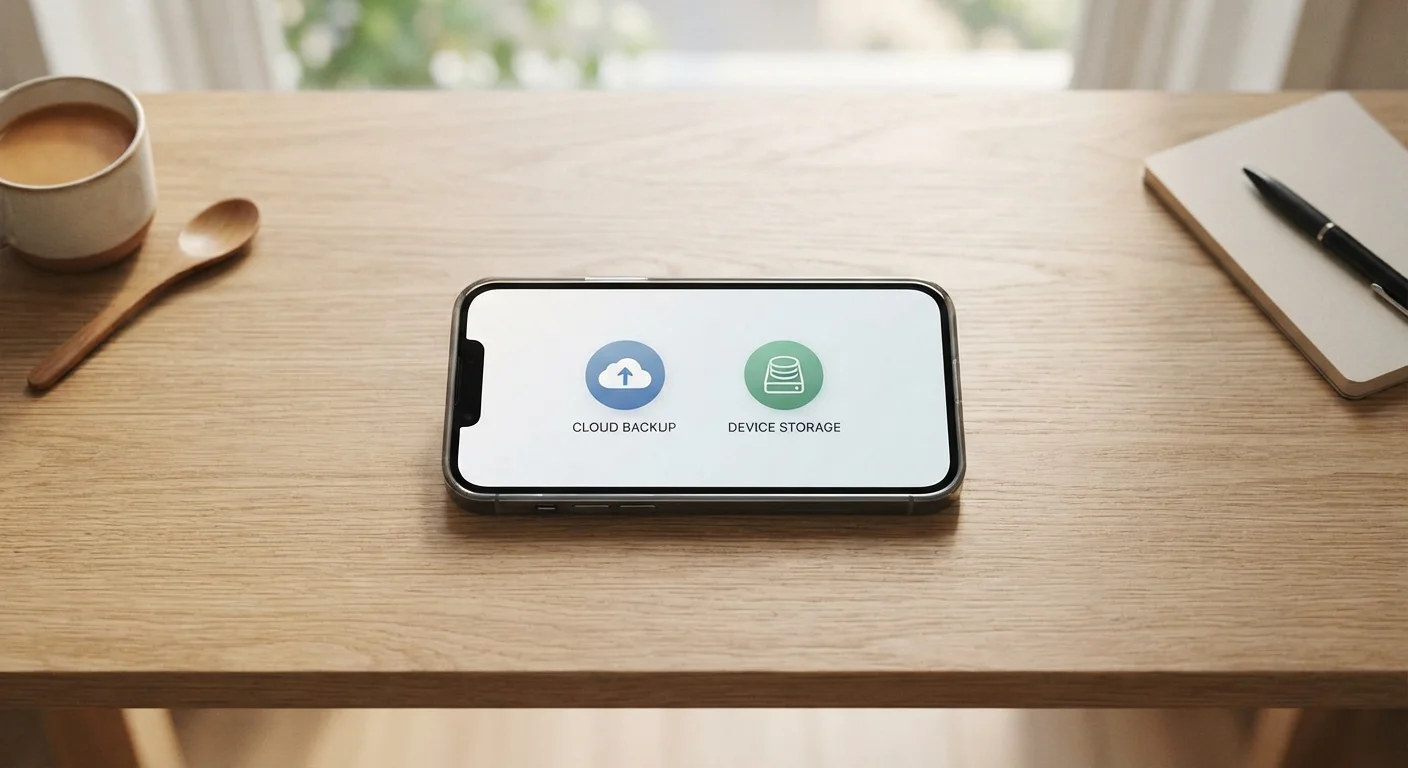
When you take a photo, record a video, or download an app, your phone has to store that data somewhere. Local storage means the data sits physically on your device - in the built-in flash memory chips inside your phone. Cloud storage means the data is uploaded over the internet to a remote server maintained by a third-party service, and your phone essentially holds a lightweight pointer to it.
This distinction matters more than it sounds. Local files load instantly because the phone doesn't need to fetch them from anywhere. Cloud files require an active internet connection and can take a moment to load, depending on your signal strength and the file size. Understanding this basic difference is the foundation for deciding which approach fits your lifestyle - and for many people, a mix of both is already happening without them realizing it.
For a deeper look at how your phone's storage fills up across different categories, see what's really taking up space on your phone.
Advantages and Disadvantages of Cloud Storage
Cloud storage has become the default for many smartphone users because major platforms - including the ones built into most iPhones and Android devices - push automatic backups as a core feature. Here's an honest look at what you gain and what you give up.
Automatic backup protects against device loss or damage
If your phone is lost, stolen, or broken, files stored in the cloud remain intact and can be restored to a new device within minutes rather than being gone permanently.
Access files from any internet-connected device
Cloud-stored photos and documents are reachable from a tablet, computer, or borrowed phone - useful when switching between devices or sharing files with others.
Frees up local storage space on your device
Offloading photos and videos to the cloud reduces pressure on your phone's built-in memory, which can noticeably improve day-to-day performance.
Scales easily as your storage needs grow
Upgrading a cloud plan typically takes seconds and costs a few dollars per month, whereas upgrading a phone's physical storage requires buying a new device.
Requires a reliable internet connection to access files
Files stored only in the cloud are unavailable when you're offline or on a weak signal - a real problem during travel, outages, or in rural areas.
Ongoing subscription costs add up over time
Free tiers are limited, and most users eventually pay monthly or annually for extra space - a cost that compounds indefinitely as long as you use the service.
Privacy depends on the service provider's policies
Your files reside on a third-party server, subject to that company's terms of service, data practices, and potential legal requests - a concern for sensitive content.
Account issues can cut off access to your own files
If a service shuts down, your account is suspended, or you forget login credentials, retrieving your data can be difficult or impossible.
5-15 GB
Typical free cloud storage tier
Most major cloud services offer between 5 GB and 15 GB at no cost before requiring a paid plan.
~3.5 MB
Average smartphone photo file size
A single high-resolution smartphone photo averages roughly 3-4 MB, meaning 15 GB holds approximately 4,000 photos before the free tier runs out.
The most significant hidden cost of cloud storage is the subscription creep. Free tiers typically offer between 5 GB and 15 GB, which disappears quickly when photos and videos are syncing automatically. Once that limit is hit, your phone may stop backing up without warning - which defeats the purpose entirely.
Advantages and Disadvantages of Local Storage
Local storage gets less attention in the marketing materials, but it has real, practical strengths - especially for users who value privacy, travel frequently in low-signal areas, or simply don't want another monthly bill.
MicroSD Cards: A Local Storage Option on Some Phones
Some Android phones include a microSD card slot, which allows you to expand local storage by inserting a removable memory card. This is a cost-effective way to add dozens or even hundreds of gigabytes without a subscription. However, most recent flagship Android models and all iPhones have removed this feature, so check your specific device before counting on it.
The main friction point with local storage is its hard ceiling. Unlike a cloud plan you can expand with a credit card, your phone's internal memory is fixed at manufacture. If you bought a 64 GB phone, that's the upper limit. When that space fills up, your camera may refuse to take new photos, apps may crash, and overall performance can degrade noticeably. Good storage hygiene is one of the most effective ways to keep your phone running well over time.
How to Decide What Works for You
The right balance depends on three practical factors: how much you shoot or download, how often you switch or lose devices, and how comfortable you are with a third party holding your files.
If you generate a large volume of photos and videos, cloud backup prevents local storage from filling up constantly - but factor in the ongoing cost. If you carry sensitive files - personal documents, financial records - storing them only on local storage keeps them off servers you don't control. For most users, setting cloud backup to photos and important documents only while keeping apps and downloads local strikes a workable balance.
For a broader perspective on this same question applied to computers and external drives, explore cloud vs. local storage across all your devices. And if you want step-by-step guidance on setting up automatic backups correctly, this guide to backing up your phone covers both Android and iPhone in plain language.
Whichever approach you choose, reviewing your storage settings periodically - rather than waiting for a crisis - is the habit that matters most.