

Key Takeaways
Summary
18 items · 20-40 minutes
Why These Settings Are Rarely Touched
Most people set up their phones once - tap through the initial prompts, log into a few apps - and never look at Settings again. The result is a device that may be quietly sharing more than you'd like, or missing layers of protection that are already built in and waiting to be switched on.
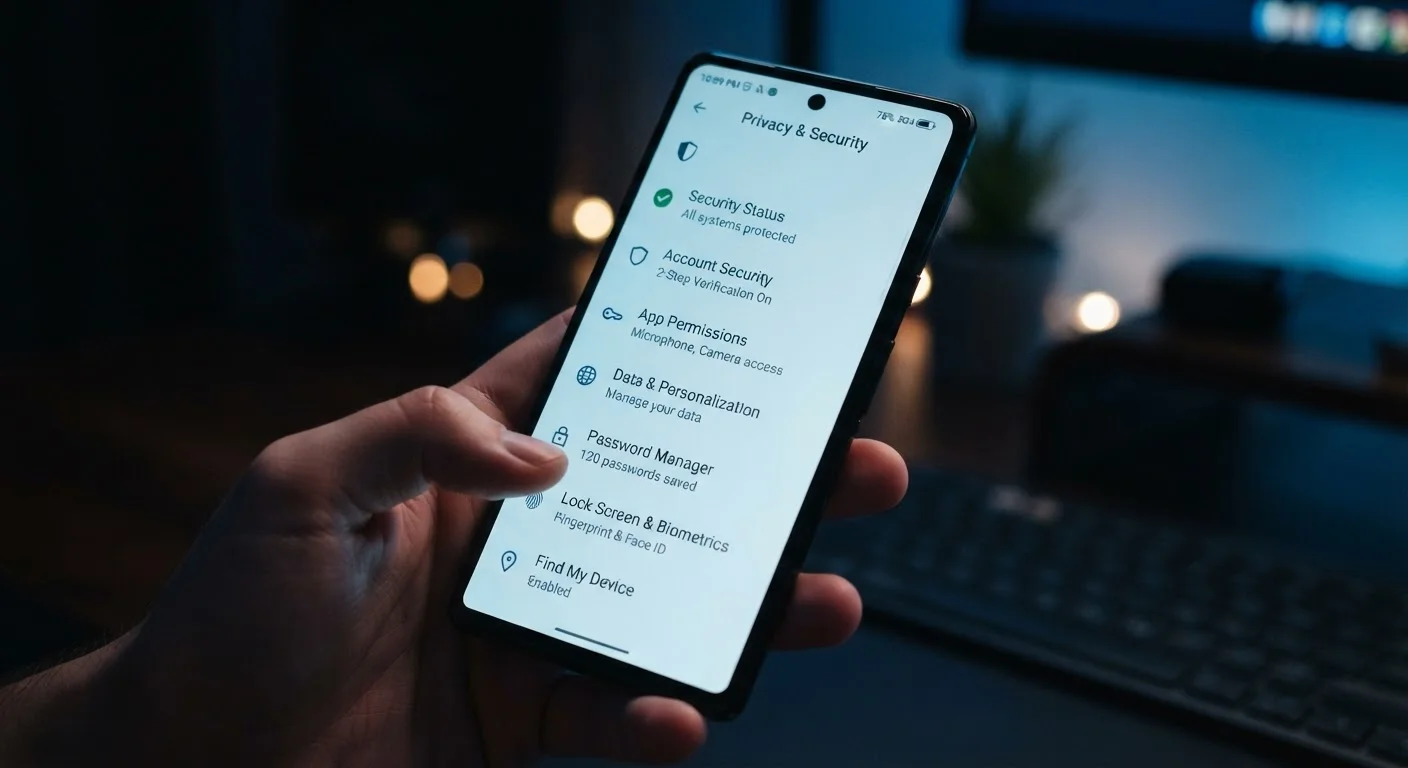
This checklist walks through the security and privacy settings that get skipped most often. You don't need technical knowledge to use it. Each item is something you can check in under a minute, and the whole list should take well under an hour. If you're setting up a new device, the Getting Started With a New Smartphone guide is a good companion to this one.
Lock Screen & Biometrics
App Permissions
Account & Two-Factor Authentication
Software & System Updates
Network & Connectivity
Find My Device & Remote Wipe
What You'll Need Before You Start
No special tools are required - just your phone, a few minutes per category, and your account password in case any changes prompt re-authentication. Because settings menus vary between Android and iOS versions, the names below are descriptive rather than exact navigation paths.
Your phone's Settings app
The primary location for all security and privacy controls covered in this checklist.
Your Apple ID or Google Account credentials
Required to verify or update two-factor authentication and account recovery settings.
An authenticator app
Provides a more secure alternative to SMS-based two-factor authentication codes.
Changing permissions may affect app functionality
Revoking location or microphone access from some apps will limit what those apps can do. For example, a navigation app needs location access to give directions. Review permissions thoughtfully rather than revoking everything - the goal is informed control, not blanket restriction.
Going Further: Habits Beyond the Settings Menu
A one-time settings audit is valuable, but security is more durable when it becomes a habit. Revisiting your app permissions every few months - especially after installing new apps - takes only a few minutes and catches permission creep before it becomes a problem. For a broader look at protective habits that extend beyond your phone, see Keeping Your Computer Secure: Habits That Actually Make a Difference.
Your phone's security is also connected to the other devices on your home network. If you use smart home devices alongside your phone, Keeping Smart Home Devices Secure Over Time explains how to reduce household-level exposure. And if you're thinking about where your data lives once you've locked down the phone itself, Cloud Storage vs. Local Storage on Your Phone covers the real trade-offs.
Lost or stolen phone: act quickly
If your phone is lost or stolen, use Find My Device from another device or browser as soon as possible. Remote lock or wipe options are only available while the device has power and a network connection. Having a recent backup is the only way to recover your data after a remote wipe - make sure both protections are in place before you need them.